
 Русский
 Azərbaycanca
 Oʻzbekcha
 Кыргызча
Mellstroy Support: Contact the Casino and Complete KYC
Live chat runs around the clock for Mellstroy support. Email [email protected] for complaints or document requests. These channels connect you to the casino operator; you can also request account closure or self-exclusion through support.
- Contact support through the 24/7 live chat or [email protected].
- No support phone number is published.
- Support acknowledges complaints within 1 business day and answers within 14 days, except in special circumstances.
- Submit game-session complaints within 14 calendar days and payout, bonus or suspension complaints within 30 days.
- Identity checks require documents; contact confirmation alone does not complete them.
Mellstroy support at a glance
Complaint handling has separate acknowledgement and reply deadlines under the Terms.
| Contact or deadline | Details |
|---|---|
| Live chat | 24/7 |
| Support email | [email protected] |
| Support phone | Not published |
| Complaint acknowledgement | Within 1 business day |
| Substantive complaint reply | Up to 14 days, except in special circumstances |
| Game-session filing window | 14 calendar days |
| Payout, bonus or suspension filing | 30 days |
| Other complaint filing window | 6 months |
See the Terms and complaint rules for the filing windows and how Mellstroy handles disputes.
Live chat and email contacts
Chat handles login trouble and requests for a working address. Email also handles written complaints and document questions. Use Mellstroy's support contacts for account matters; the site's editorial contact has a separate purpose.
Live chat
Open the site's support widget to ask about account access, a missing bonus or a working address.Email
Write to [email protected] for complaints, document checks or privacy requests.Operator announcements
The operator's Telegram channel publishes announcements and mirror addresses. Send account-specific questions through chat or email.
Questions about material on this website go to the editorial contact. Changes to a casino account go through Mellstroy's support service.
Changing confirmed contact details
Support must change a confirmed phone number or email address. Include your account details when you ask for the replacement. For a password change in Settings, enter your current password; if access is the problem, follow the login and password recovery steps.
Identity verification and KYC
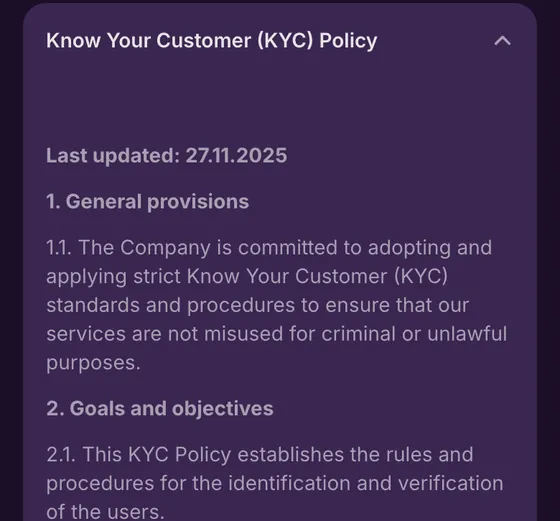
Mellstroy can request identity documents at any time. Its KYC policy also lists situations that can trigger additional checks. A withdrawal cannot proceed until full deposit verification is complete, so confirming contact details alone does not clear a payout.
When checks apply
- ✓First withdrawal request, regardless of the amount
- ✓Total deposits reach USD 10,000 or the equivalent
- ✓Suspicious activity, regardless of the amount
Information requested
- iFull name and date of birth
- iCitizenship and residential address
- iOfficial photo ID and supporting documents
If documents are missing
- !Withdrawal cannot proceed before verification is complete
- !Mellstroy may suspend or close the account
The withdrawal requirements include verification of the deposit. A support conversation does not replace the requested documents: the operator can ask for additional evidence during the check.
The KYC policy permits certified document copies and third-party verification services. It also allows additional documents and enhanced monitoring when further checks apply. The policy applies to all users and all transactions.
Identity and age before gaming access
The Responsible Gaming Policy requires identity and age verification before access to gaming services. The Terms also allow further verification requests at any time. Neither account registration nor contact confirmation removes that requirement.
 Support
Documents for the identity check
Photo ID establishes your identity; address evidence confirms where you live. The KYC policy allows a selfie with the document or, in certain cases, a video call. Prepare the evidence requested by support rather than treating contact confirmation as a document check.
| Evidence | What to provide |
|---|---|
| Photo ID | Passport, government-issued ID or driving licence |
| Proof of address | Utility bill or bank statement from the last 3 months |
| Additional identity check | Selfie with your document or, in certain cases, a video call |
KYC data and records remain on file for at least 5 years after the relationship ends. Personal-data handling is covered in the privacy information; support handles questions about the documents requested for your account.
Contact confirmation is a separate reward
The contact-confirmation promotion offers 40 FS: 20 FS for your phone and 20 FS for email. You must make at least two deposits before confirmation to qualify. This confirms your contact details and does not complete KYC; the bonus conditions cover the separate promotion.
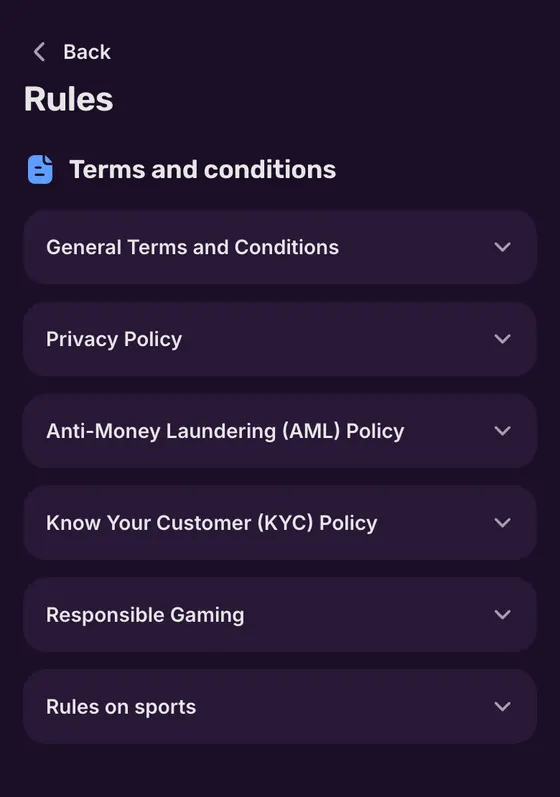
How to submit a complaint
Include your full name, your account details and a description of what went wrong, then send the complaint by chat or email. For a disputed game session, include the session date and the result you dispute so the message identifies the event.
- 1
Collect the details
Gather your account information and the date of the disputed event. - 2
Contact support
Use live chat or write to [email protected]. - 3
Explain the complaint
Give your full name, account details and a clear description of what happened. - 4
Receive acknowledgement
The Terms allow 1 business day for acknowledgement. - 5
Receive the answer
A substantive reply is due within 14 days, except in special circumstances.
Server logs take precedence if the game result on your screen differs from the recorded result. The Terms treat those records as final. Dispute notifications go to the contact details registered on your account.
If the issue remains unresolved
Use the complaint procedure when a support exchange has not resolved the issue. Keep the acknowledgement with your original message and follow the notifications sent to your account contacts. The dispute procedure sets Mellstroy's handling deadlines, including the exception for special circumstances.
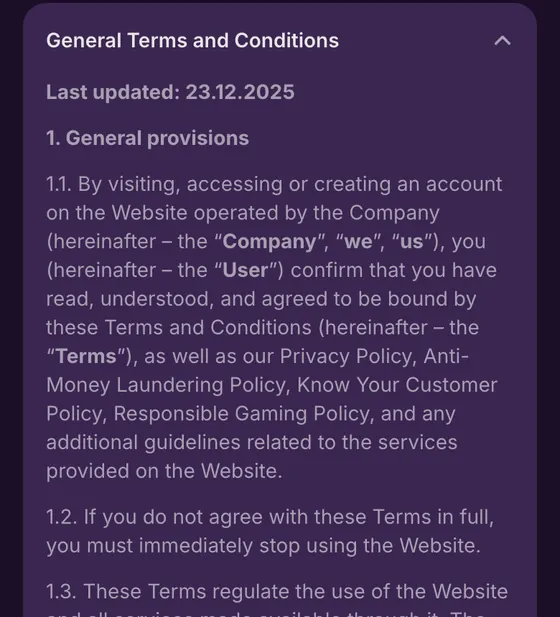
How long a complaint takes
Game-session complaints have the shortest filing window. Submit the complaint before that window closes; waiting for a later payment issue does not extend the period for disputing the game. The Terms exclude complaints submitted after the applicable deadline.
| Complaint topic | Filing window |
|---|---|
| Game session | 14 calendar days |
| Payout, bonus or suspension | 30 days |
| Other matters | 6 months |
| After the deadline | Complaint will not be considered |
The filing window governs when you must contact the operator; the reply deadline governs its response afterwards. The English edition of the Terms and Conditions is the binding edition.
Where to take your account issue
Payment history helps identify a deposit or withdrawal before you contact support. The account's history separates deposits from withdrawals. For access trouble, state whether the site fails to open or the login itself fails, then include that distinction in your message.
Login or site access
Account access is covered in the login steps. If the address will not open, get a working one through the mirror information.Delayed payment
Check payment history, then contact chat or email with the transaction details. Payout requirements are in the withdrawal process.Bonus dispute
Email support with your account details and the disputed promotion. Explain what you expected and what happened; use the bonus filing window above.Documents requested
Ask support which evidence your account needs. The identity verification section separates document checks from confirming your contact details.
Report an incorrect balance to support immediately, as the Terms require. Identify the transaction or game event concerned and describe the discrepancy; payment-history entries help with deposit and payment questions.
If the site address is the obstacle, Mellstroy also publishes mirrors through its Telegram channel. An address change uses the same account rather than creating a new one; the access and mirror instructions list the routes.
 Support
Pausing or closing your account
Support handles requests for temporary or permanent self-exclusion and account closure. Tell the agent which option you want. The Terms allow Mellstroy to postpone closure during an investigation or while transactions remain unfinished.
Allowed
- ✓Request temporary or permanent self-exclusion through support
- ✓Ask support to close your account
Not allowed
- ✕Expecting closure to finish while an investigation is still open
- ✕Expecting closure before pending operations finish
Watch out
- !Keep support's acknowledgement of your request
- !Follow the reply sent to your registered contact details
Make the request clear
- 1
Requesting a break without specifying it
State that you want self-exclusion and whether it should be temporary or permanent. - 2
Confusing closure with its confirmation
Keep the request and the operator's reply so you can follow the status of the closure.
For help with gambling problems, Mellstroy names GamCare, Gambling Therapy and Gamblers Anonymous. Support handles the account request; the gambling support and self-exclusion information brings the help options together.
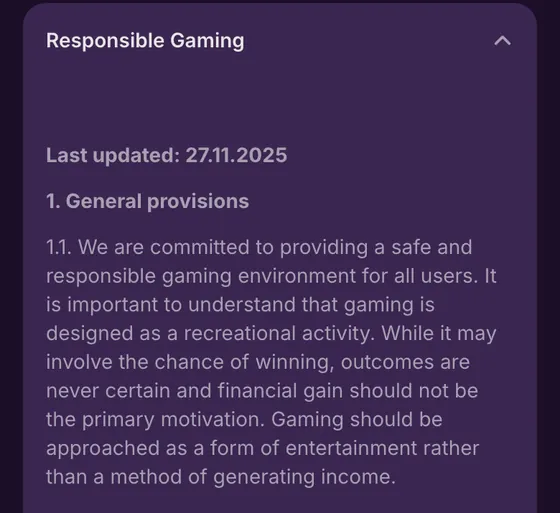
Support and verification terms
- KYC
- Know Your Customer: checks of your identity and supporting documents. Confirming a phone number or email does not complete these checks.
- Self-exclusion
- A temporary or permanent exclusion from gambling that you request through support.
- Server logs
- The game server's records of a session. The Terms treat these records as final if they differ from the result on your screen.
Sources
Where the facts on this page come from
- Mellstroy Casino websiteSupport access
- Mellstroy Terms and policiesComplaints, identity checks and account closure
Support questions
Use the site's live chat or email [email protected]. Both routes handle account questions and complaints. No support phone number is published.
The Terms promise a receipt within one business day and a full reply within 14 days, special circumstances aside. Those deadlines cover written complaints, not chat replies.
Send your full name, account details and an explanation to support by chat or email. File a game-session complaint within 14 calendar days; payments, bonuses and suspension have a 30-day window. Other complaints have a 6-month window. The complaint terms set out the procedure.
The game server's record takes precedence. Under the Terms, server logs are final if your screen shows a different result.
No. Ask support to change confirmed contact details and provide your account information. You can change your password yourself in Settings by entering the current password; account access and recovery explains the login options.
Contact support by chat or email and specify temporary self-exclusion, permanent self-exclusion or account closure. Mellstroy may postpone closure during an investigation or while operations remain unfinished. The self-exclusion information explains the options.
- First version: support contacts, complaint deadlines and the documents needed for identity checks.
About this site
This site is informational: it is not Mellstroy or its official page, and it takes no deposits or bets.
The operator does not publish a licence, regulator or legal entity. Under its Terms, whether online gambling is allowed where you live is yours to check; the rules allow one account per person and prohibit VPNs, proxies and TOR.
18+ only. Gambling can be addictive – read the safer-gambling page.
Welcome offer