 Русский
 Azərbaycanca
 Oʻzbekcha
 Кыргызча
Mellstroy Mirror: What to Do If the Casino Site Won't Open
If Mellstroy won't open, get a working link from Mellstroy's chat or Telegram channel, a push notification or the app. The mirror opens the same account with your existing balance and active bonuses. You do not need to register again.
- Address channels
- 4
- Account
- Your existing account
- Balance and bonuses
- Shared with the main site
- Site not opening?
- Ask the operator's chat for a mirror, open its Telegram channel, follow a push notification or use the app/PWA.
- These channels supply the address; other people's posts and videos do not establish its origin.
- Sign in with your existing details: the account, balance and active bonuses remain the same.
Mellstroy mirror at a glance
A mirror changes the address while keeping your existing account.
| Access detail | What to use |
|---|---|
| Main address | mellstroy.game |
| Current mirror | Operator's own channels |
| Chat | 24/7 support widget |
| Telegram | Channel button on the operator's site |
| Notifications | Push alerts about new addresses |
| Installed access | Android APK; iOS and Windows PWA |
| Account details | Existing login, balance and active bonuses |
For the main address and its identifying details, use the site identification checklist.
Get a working address when the site won't open
Start with mellstroy.game, Mellstroy's main address. If it does not open, request an alternative through its own channels. Use the checklist to choose the channel you can reach.
- Site details
Try the main address
Enter mellstroy.game in your browser. - Chat details
Ask the operator's chat
Open the support widget in the corner and request the current mirror. - Find channel
Open the Telegram channel
Use the channel reached through the operator's site or chat. - Push details
Enable push notifications
Accept the site's subscription prompt to receive new-address alerts. - Installation
Install the app or PWA
Get the Android APK from the site; use a browser-installed PWA on iOS or Windows.
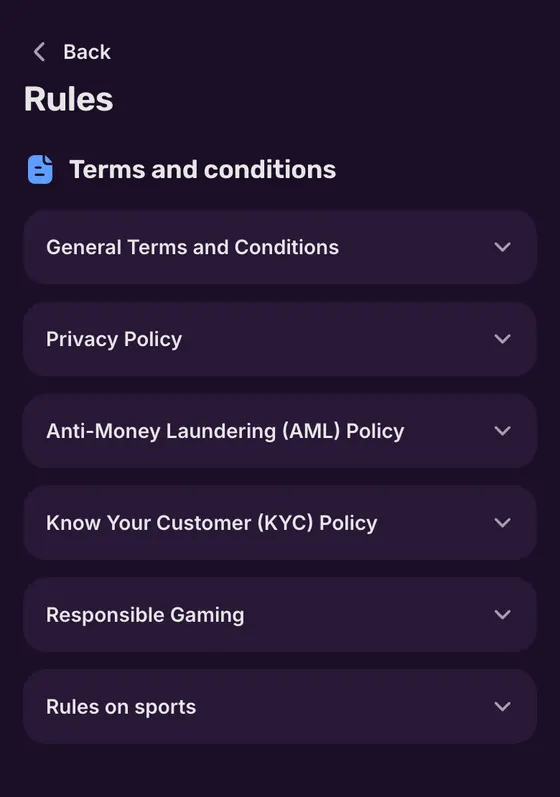
Once you have the address, follow the login instructions to return to your account. A mirror does not require another registration.
 Mirror
Chat, Telegram, push and the app
Mellstroy supplies new addresses through these channels. Start with chat when you can open the site; use the channel or installed access you already have when you cannot.
Ask the support widget
The support widget sits in the lower corner of Mellstroy's site. Ask for the current mirror or the Telegram channel link. You can also contact [email protected]; the support channels page brings the contact options together.
Find Telegram through the site
The Telegram button appears on Mellstroy's site and in its footer. The channel publishes new addresses and vouchers. Open it through that button or request the channel link in chat, rather than choosing a similarly named channel from search results. Vouchers activate in the account's Vouchers section; they are separate from the optional promo-code field at registration.
Receive a new address by push
The first-visit subscription prompt lets you enable push notifications, including alerts about new mirrors. The first subscription earns 100 Mell Points; reward crediting works only on Android. Exchanging Points requires a prior deposit, with the threshold explained under Mell Points.
Keep the app or PWA ready
Android uses an APK from the operator's site. On iOS, add the PWA to your home screen through Safari; Windows uses a browser-installed PWA. In Safari, open the share menu, choose Add to Home Screen and confirm. The PWA opens full-screen from its icon. On Windows, it opens in a separate window and can stay pinned to the taskbar. Mellstroy has no app in Google Play or the App Store. Follow the app installation steps for the right format on your device.
What changes on a mirror
Your balance stays with the same account when you change to a mirror. The alternative address duplicates the main site, including active bonuses. Your account currency stays the same too.
Same account and balance
Use your existing login details; the mirror opens the account you already have.Same active bonuses
Changing the address does not start a fresh welcome offer.A different address
Mirror addresses change. Obtain the current one through the operator's channels.No second registration
Continue with your existing account rather than creating another.
Deposits and withdrawals stay in the same account area, where the cashier shows methods for your region. Payment limits and processing times are in the withdrawal conditions.
Confirm where the mirror link came from
An address supplied by Mellstroy gives you a source to follow. A claim in a post or video does not establish that connection. Use the source of the link as your first check.
A link in someone else's post
Request the address in the operator's chat instead of entering your account details through the post.Password or card request outside the site
Close the page. Enter account and payment details only on Mellstroy's site reached through its own channels.A list labelled current mirrors
Get a fresh address from Mellstroy's channel or chat; a list does not establish which address to use.
The site identification checklist covers the main address and signs to check. For Mellstroy's published status, see the operator status section.
Use a mirror or app within the account rules
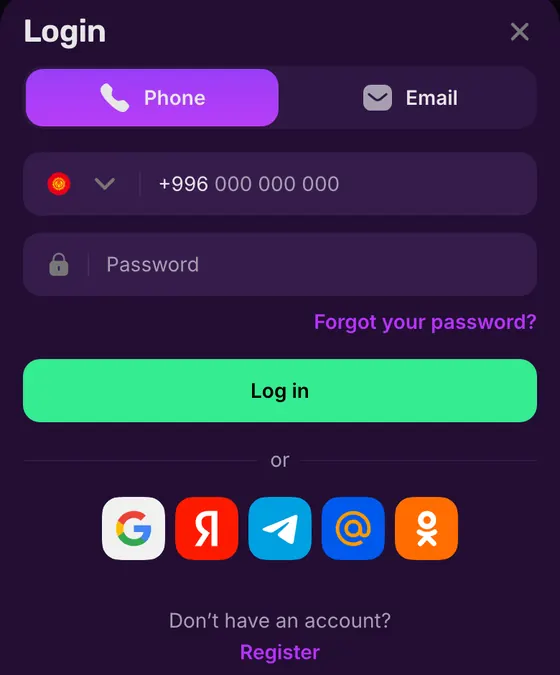
The Terms prohibit VPNs, proxies and TOR. Use the address supplied through the operator's channels or the app. Keep the same account whichever route you choose.
Allowed
- ✓A mirror supplied by the operator
- ✓Mellstroy's app or PWA
Not allowed
- ✕VPN connections
- ✕Proxies and TOR
Watch out
- !One account per person
- !Payment instruments must be in your own name
Account mistakes to avoid
- 1
Registering again after an address change
Sign in to your existing account; a mirror does not create a separate account. - 2
Using someone else's payment details
Use payment instruments in your own name for the same account.
If your account needs help after you reach the site, contact support through Mellstroy's published channels.
 Mirror
Welcome offer on the same casino site
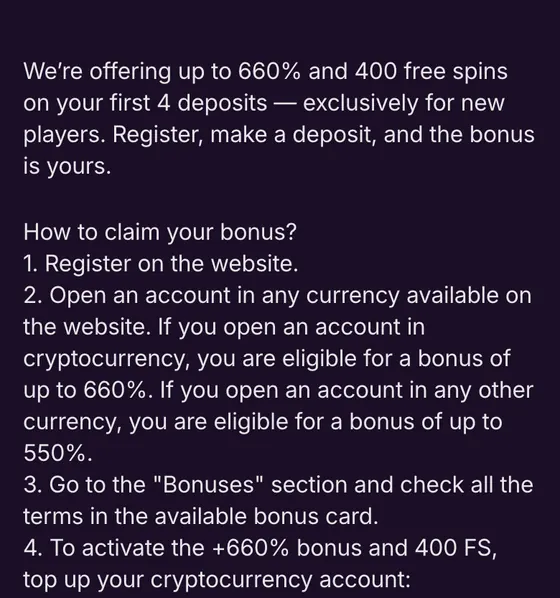
New players receive the welcome offer across their first 4 deposits, without a promo code. The account type sets the percentages below. Existing players keep their active bonuses when they use a mirror.
| Deposit | Fiat account | Crypto account | Free spins |
|---|---|---|---|
| First | 100% | 120% | 100 FS |
| Second | 125% | 150% | 100 FS |
| Third | 150% | 180% | 100 FS |
| Fourth | 175% | 210% | 100 FS |
| Combined maximum | up to 550% | up to 660% | 400 FS |
Free spins become available after you use the percentage bonus. Deposit stages are described in the welcome bonus conditions.
Casino and sport from the home page
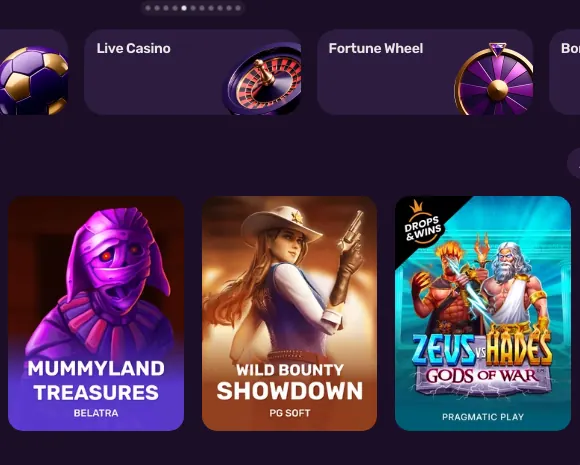
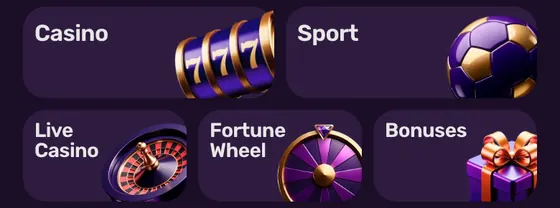
The mobile home page has Casino and Sport tiles, with Live Casino and Fortune Wheel beneath them. The Bonuses tile opens the offers section.
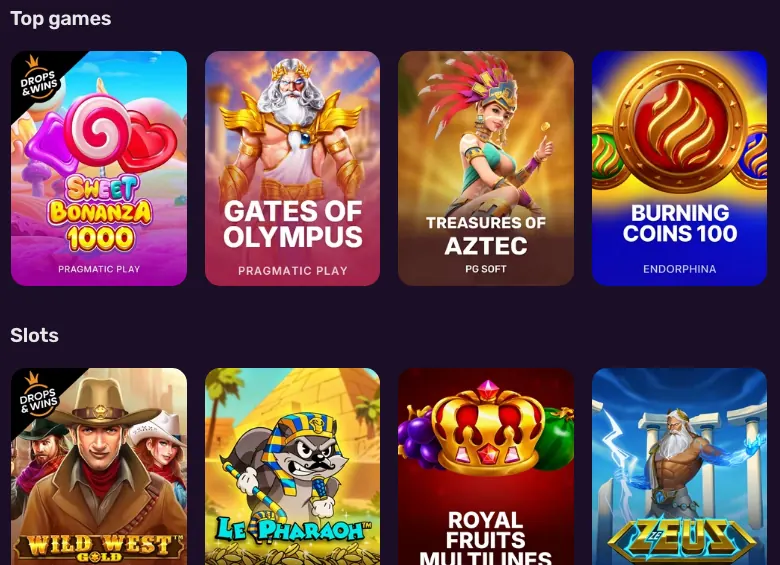
Open the casino games section for slots, or use sports betting for events and markets.
Sources
Where the facts on this page come from
- Mellstroy Casino websiteSite navigation and support widget
- Operator's Terms and policiesAccount and connection rules
- Operator's promotionsWelcome offer and notification rewards
Mirror and access FAQ
No. The Terms prohibit VPNs, proxies and TOR. Request a mirror through Mellstroy's channels or use the app; the app installation steps list the options for your device.
No. Use your existing account. Mellstroy allows one account per person, so a change of address does not call for another registration. The login instructions cover access to your existing account.
No. A mirror supplies another address for the same service; it does not guarantee access. Obtain the current address from Mellstroy's own channels.
An alternative address that duplicates the main site. Your account, balance and active bonuses stay the same, including the currency of your account.
Use the operator's chat, its Telegram channel, push notifications or the app/PWA. Find the Telegram button on Mellstroy's site and in its footer, or request the channel link in chat.
No. Get the address from Mellstroy's channels. Close any page that asks for your password or card details outside Mellstroy's site; see the site identification checklist for how to assess the address.
Mirror and app terms
- Mirror
- An alternative address for Mellstroy's site, with the same account, balance and active bonuses.
- PWA
- Progressive Web App: the site installed through a browser, with an icon that opens it in its own window.
- Mell Points
- Mellstroy's loyalty points. Exchanging them for money requires a prior deposit and the programme's exchange threshold.
- VPN
- Virtual Private Network: a service that routes your connection through another server. The operator's Terms prohibit its use.
- First version: how to get a mirror and keep your existing account.
About this site
This site is informational: it is not Mellstroy or its official page, and it takes no deposits or bets.
The operator does not publish a licence, regulator or legal entity. Under its Terms, whether online gambling is allowed where you live is yours to check; the rules allow one account per person and prohibit VPNs, proxies and TOR.
18+ only. Gambling can be addictive – read the safer-gambling page.
Welcome offer